
SSL-VPN
Connect through a browser-style tunnel when IPsec is not the path.
 FortiClient
Capabilities
Notes on VPN, endpoint scan, and EMS policy. Availability can depend on build and license.
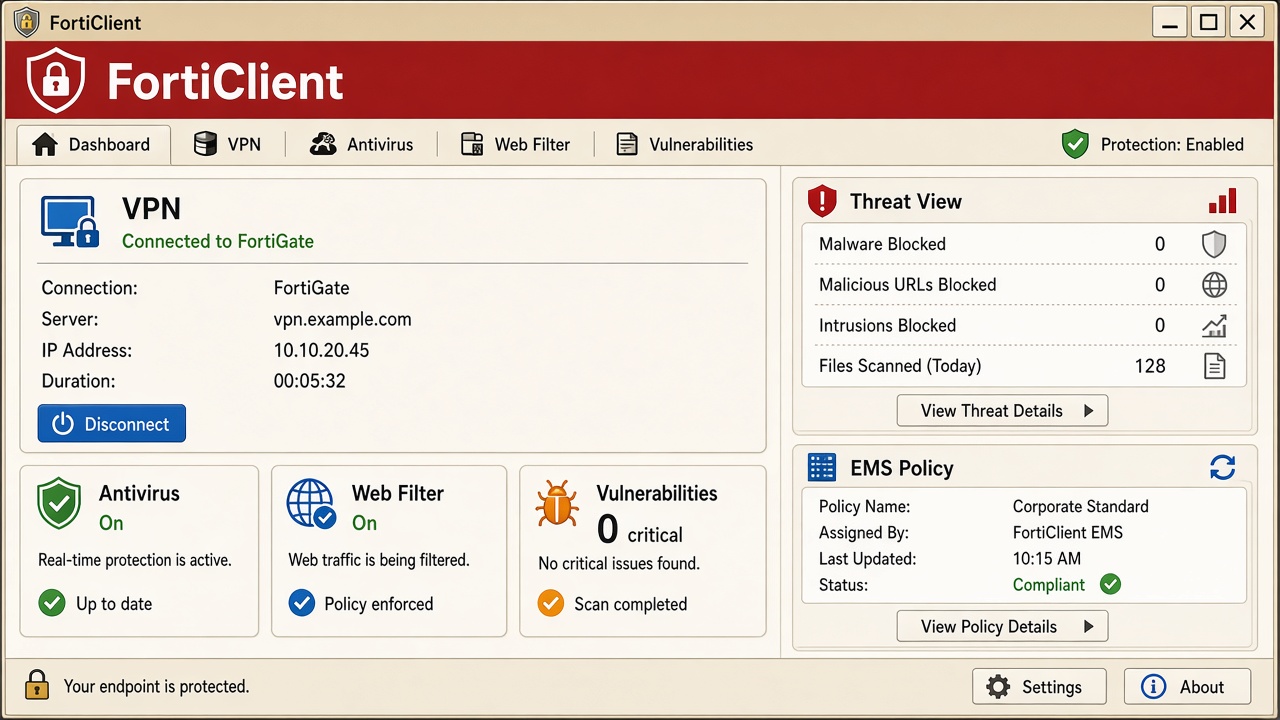
Connect through a browser-style tunnel when IPsec is not the path.
Use a site-style tunnel when the gateway asks for IPsec.
Keep the tunnel up after sign-in when policy requires it.
Watch downloads and running files. Quarantine items the engine flags.
Block risky categories when EMS or FortiGate pushes the list.
Enroll the agent to a gateway you trust. Keep only the profile your admin issued.
EMS guidance